
Two New Widgets
Widgets make up the rows of content on each page and provide different layouts and feature options. Most pages in the new template are made up of rows of various widgets. Recently, we’ve added some new widget options for use!
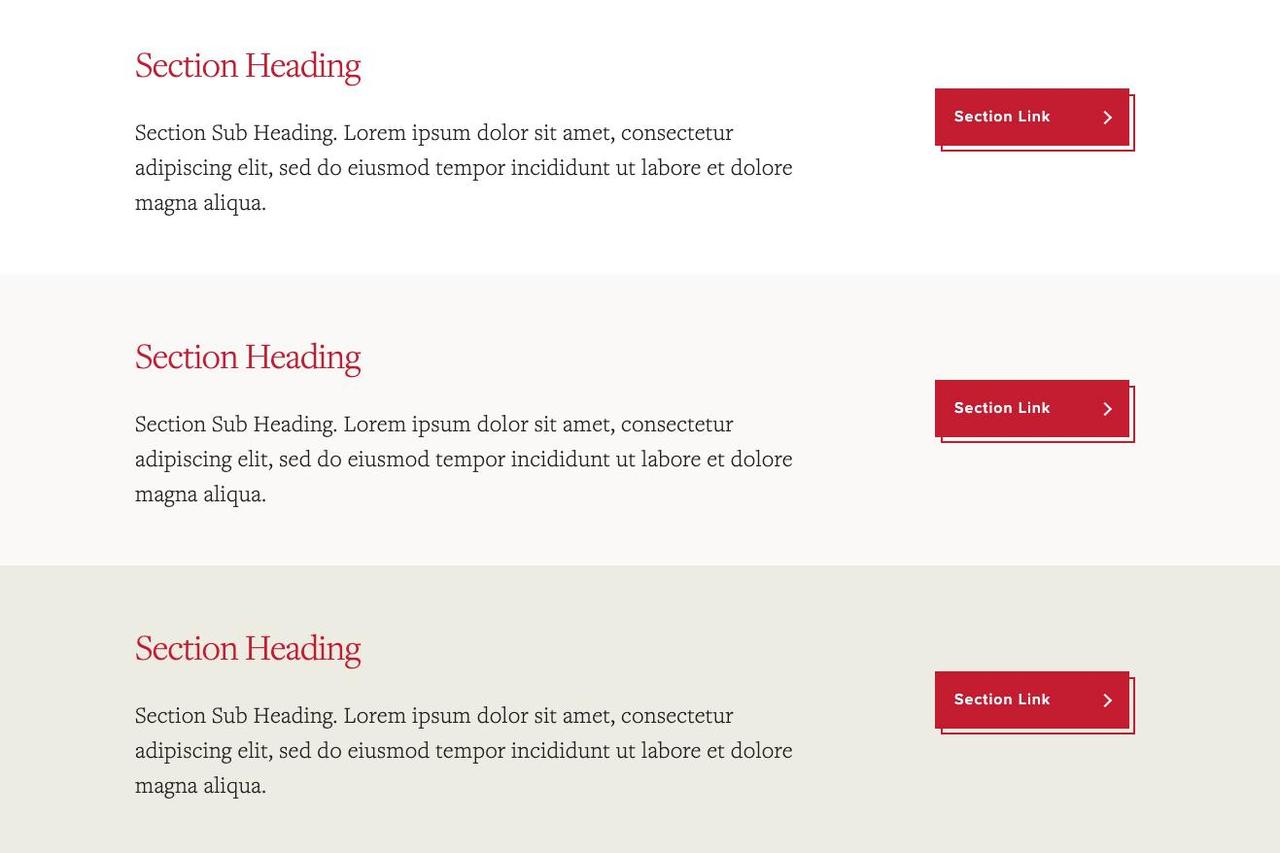
Section Header
Use the Section Header widget to create short promotions, announcements, advertisements, and more. It helps you to break up content into smaller sections of information.
News Feeds
The News Feeds widget displays the latest articles from selected categories. It offers various display options, allowing you to choose how many articles to show and toggle the visibility of dates, categories, and images.
Spotlights Content Type
Spotlights are used to curate student, faculty, and alumni profiles to better show their Miami experiences and expertise consistently across sites. Spotlights can be tagged with multiple categories and pulled into multiple sites without duplicating the content. Spotlights have their own listing pages and widgets.
You can create new spotlights content in the Add Content menu in Cascade under News. You will see the Spotlight Gallery page which is a listing page that displays all profiles tagged with your chosen categories. You will find the Spotlight Widget if you click on the Includes Components submenu item. You can add this widget to your homepage or other pages where you want to feature people.
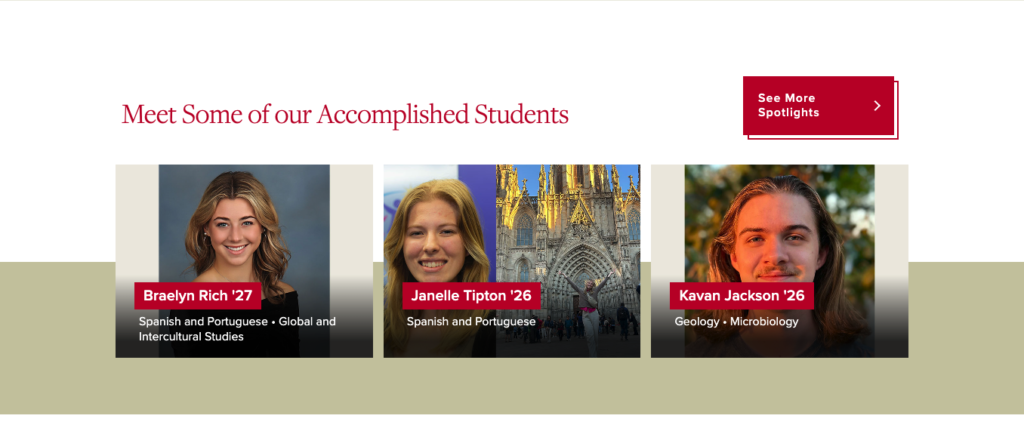
You can see spotlights in action on the College of Arts and Science homepage in the row titled “Meet Some of our Accomplished Students.” If you click on the “See More Spotlights” button, you will find the spotlights gallery listing page.
Shared Assets
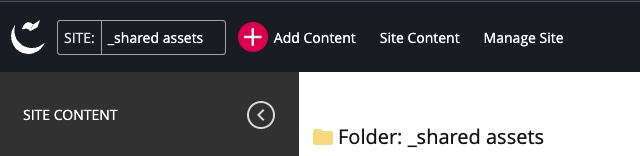
The Shared Assets site within Cascade is the recommended source for the following (links will work for CMS users only):
Pre-sized Images for Widgets
If you need a quick image for your widget or want to avoid searching through Photoshelter, you can use our library of pre-sized images for each widget type. New images will be added regularly!
Icons
Our Creative Services team has created 100+ branded icons for use across the web. To recommend a new icon be created, submit a Project Request. Learn more about Iconography guidelines for our Brand.
Social Media Icons
Our Creative Services team has sourced social media icons that comply with each platform’s branding guidelines. These are the only social icons that should be used on our website.
Need web help? Contact WebAdmin@MiamiOH.edu.