Quick Links
Submit a Marketing Project
Need help from Katie Rottner, UCM, or a freelancer? Use this form to kick it off! Under “Division,” select “Academic Affairs,” and then “College of Engineering and Computing”
Submit an Accomplishment or Celebration
Grant? Award? Exceptional Student? Research Story? Add them to this spreadsheet to share with university leadership for recognition. Nothing is too small.
Monday Update Submission
Submit your announcement, big or small, to this form! For inclusion in weekly Monday Update email newsletter for faculty/staff or students.
Request Photography
Use this form to request photography (including headshots)
Browse/download existing
CEC photos here
Staff Profile Update or Creation
Staff should use this form to request a new profile page OR make updates.
Want to create a WordPress blog presence for your research lab?
Great idea! Request a WordPress blog here which you can build, edit, and maintain. Once built, this can be linked to from the CEC research page.
Other web edit/update/new page requests (WordPress or Cascade) please use this form. Make sure to select CEC as the division.
Commonly Requested Assets:
College of Engineering and Computing (CEC) Logos
Primary logos include “Miami University” + College Name. Secondary logos only include the “M” + College Name. Multiple color options and file types available.
Departmental CEC Logos
Contains CPB, MME, ECE, and CSE specific logos. Primary, Secondary, and multiple color options and file types available.
CEC Center Logos
Contains logos for Center for Cybersecurity and Center for Assistive Technology (MU CAT). Primary, Secondary, and multiple color options and file types available.
CEC Program & Initiative Logos
Contains a variety of logos and badges for Grand Challenges, i3, Humanitarian Engineering and Computing, SEEC, and KEEN.
CEC Branded Letterhead
Contains a Word Doc/DocX template with college-level letterhead. Download and make personal copy before editing.
CEC Presentation Decks
Contains PPT and Google Slides formats. Download and make personal copy before editing.
UCM Photo/Video Releases: Students who are identifiable by name or voice in photo or video assets must have a UCM Photo/Video Release on file. Download blank form here and email signed versions to [email protected].
Flyers and Handouts
Jump to Flyer/Handout Category: Overall CEC, Industry Relations, Research Clusters, Department Specific
Note: Printable PDFs are not accessible to screen readers and should not be shared/published electronically. Instead, use a remediated version (file name will contain 508 if remediated) or associated HTML webpage link.
View all approved printable CEC flyers and handouts in this Google Drive Folder or explore individually below. To request an update, please email [email protected] or submit a project request.
Overall CEC Flyers and Handouts
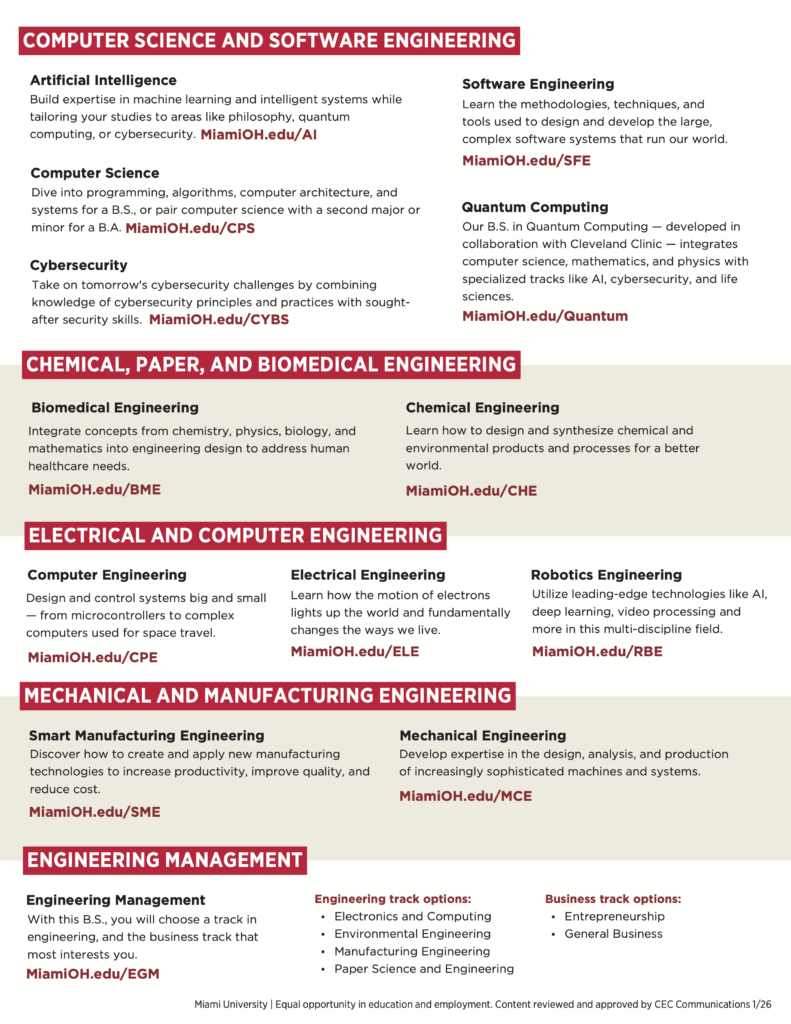
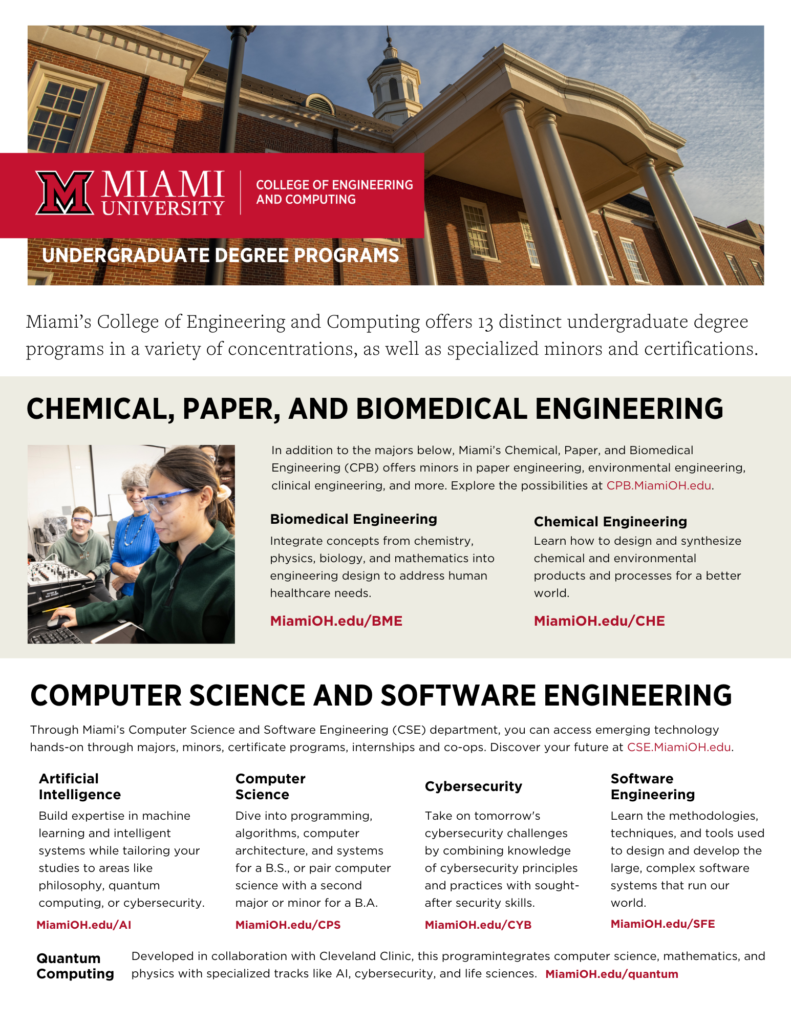
CEC Undergraduate Degrees: Printable | Remediated | Canva Template
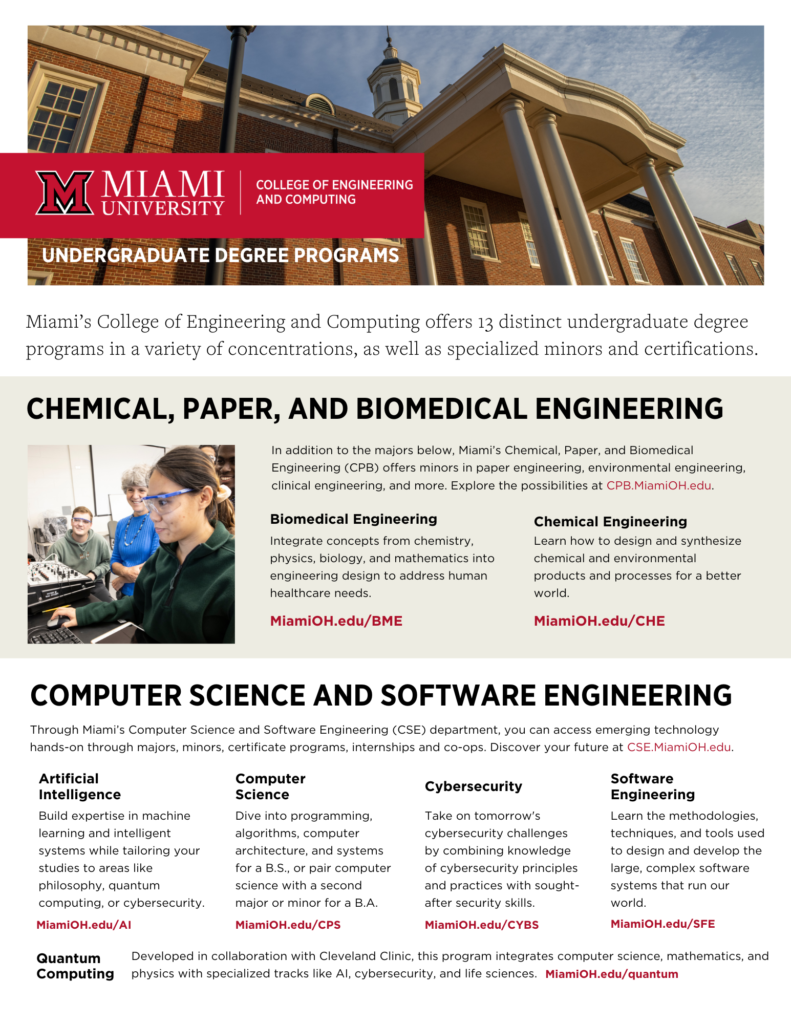
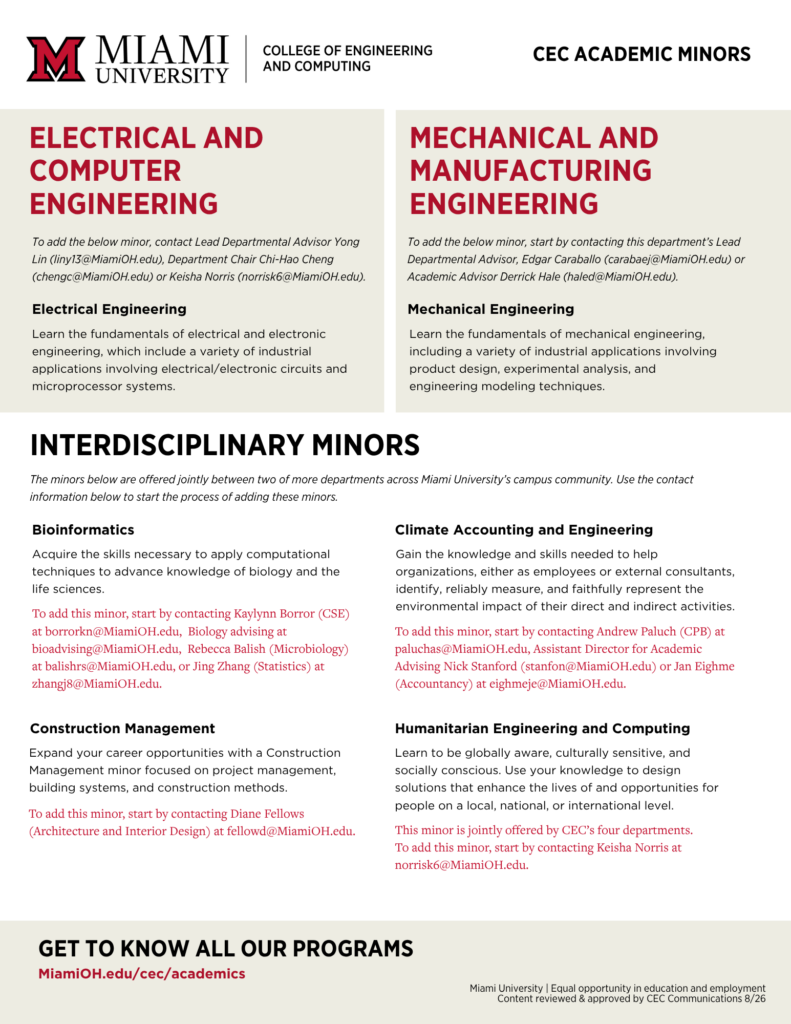
CEC Undergraduate Degrees: Printable | Remediated | Canva Template
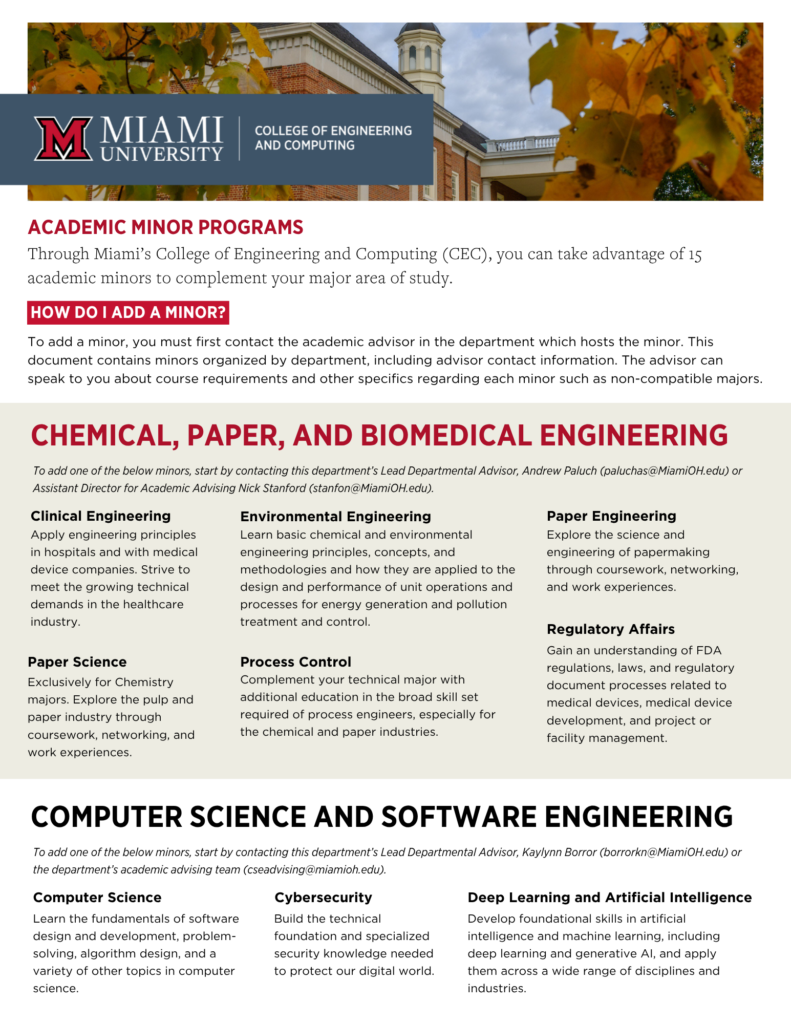
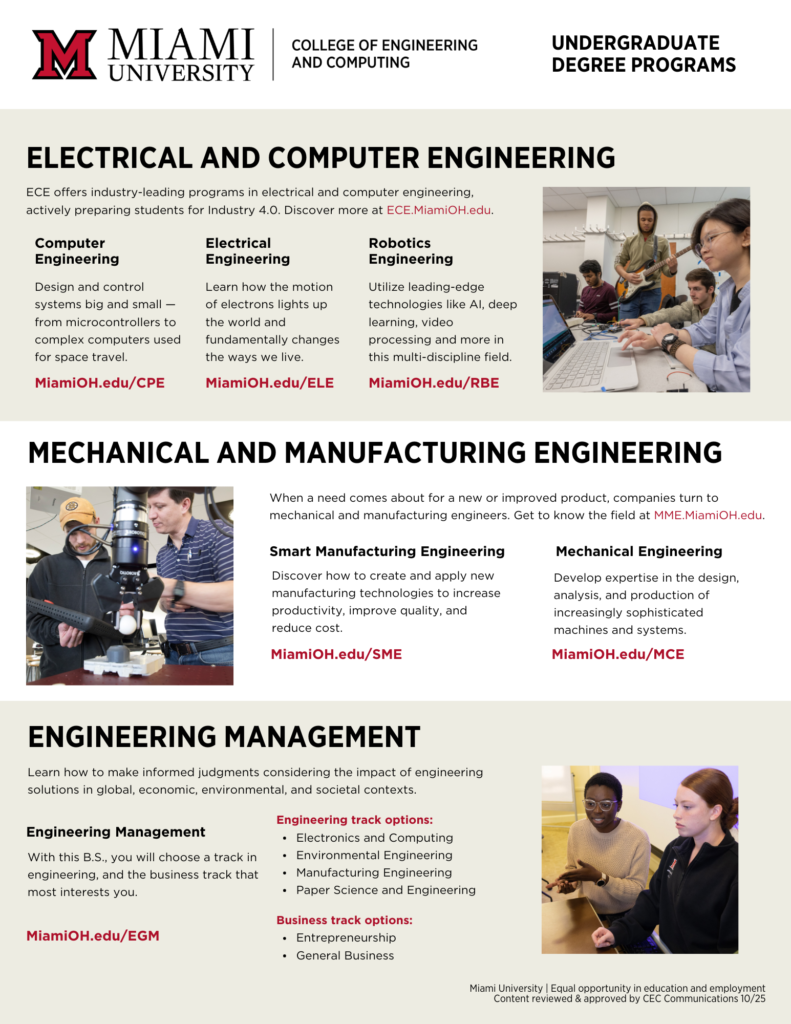
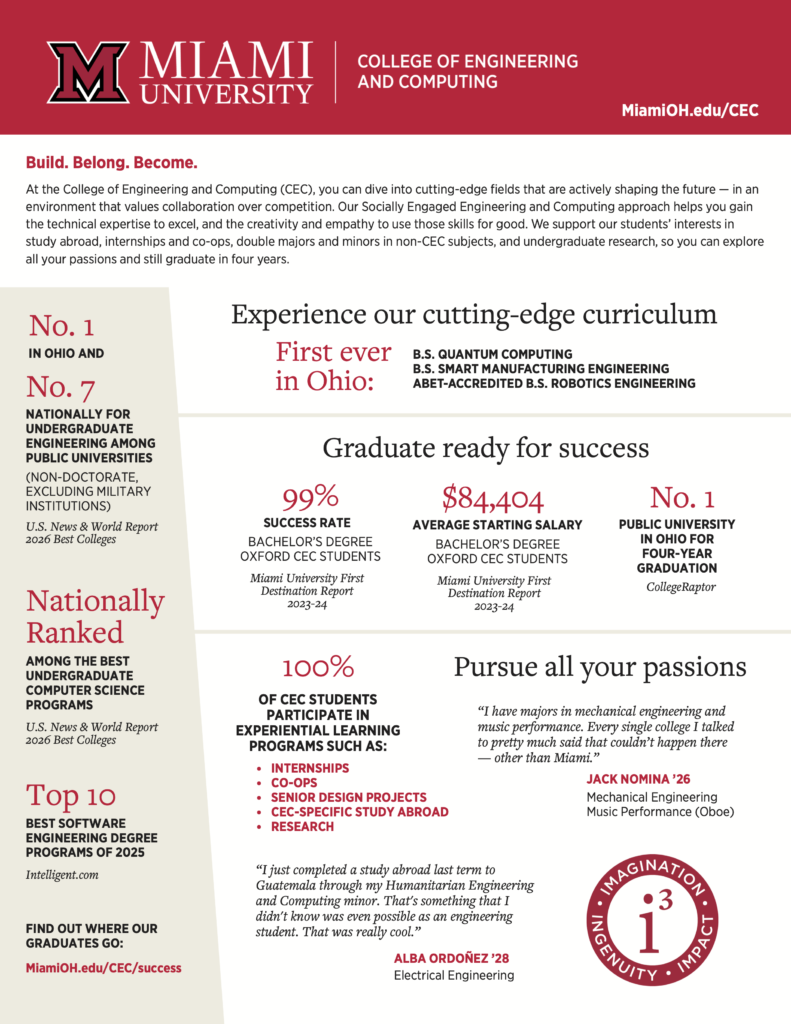
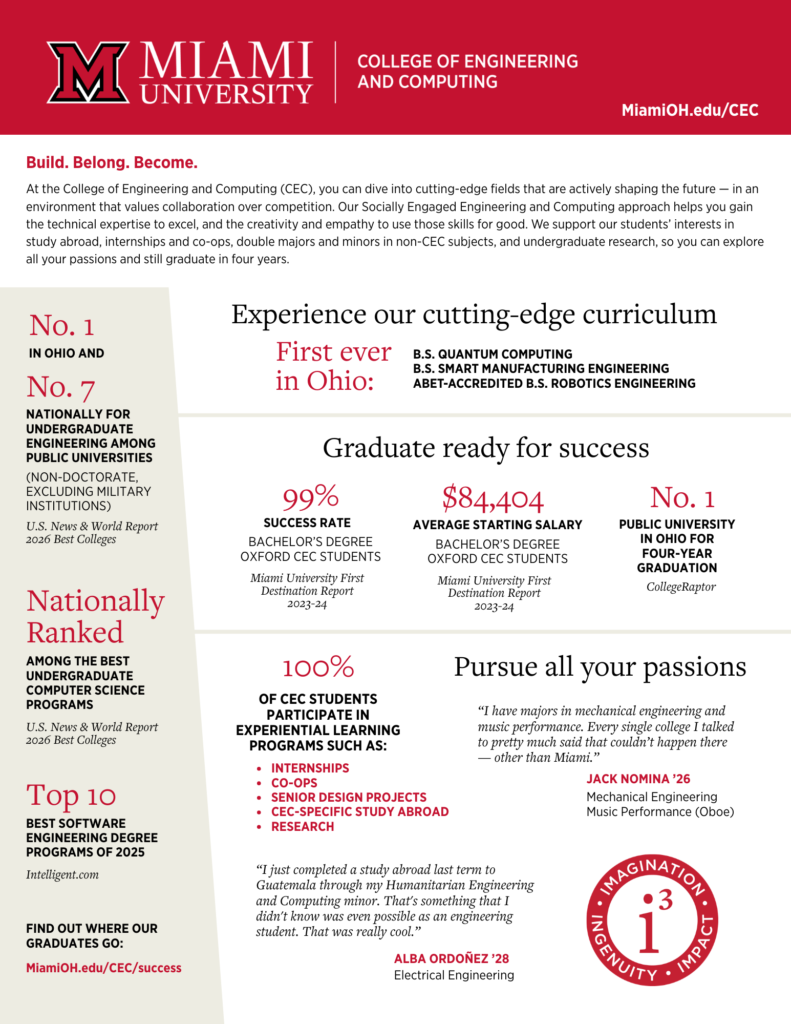
Miami Pride Points + CEC Fact Sheet
Printable | Remediated | Canva Template
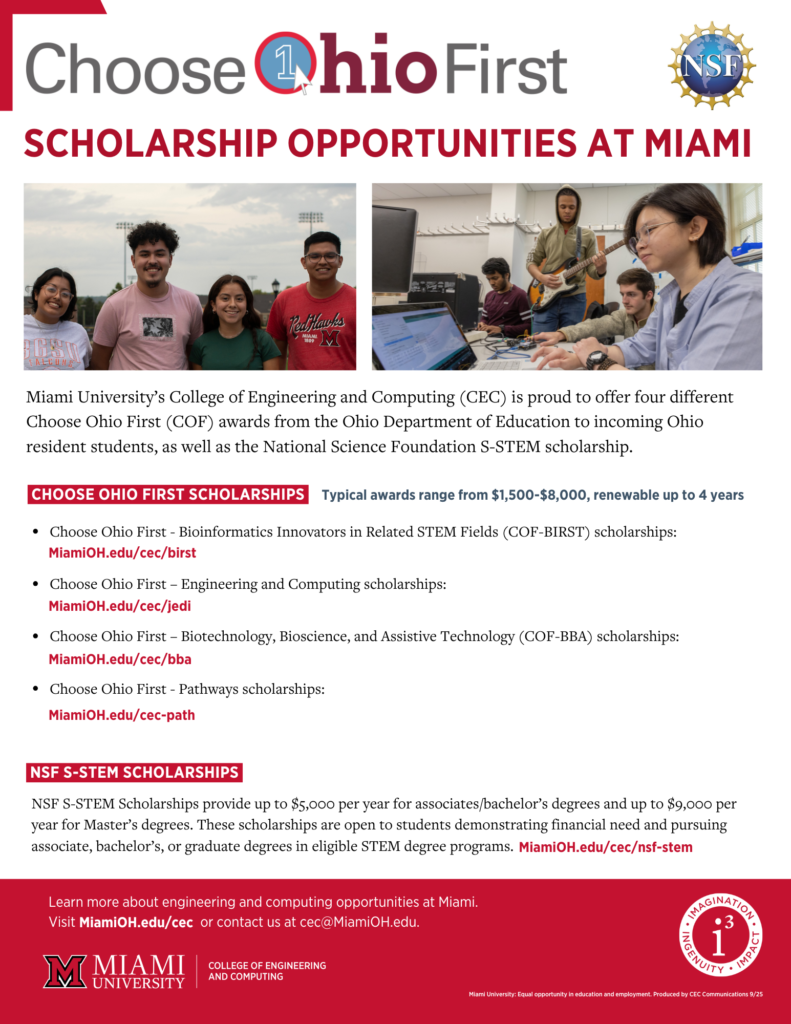
Choose Ohio First + Bridges Scholarship Flyer
Printable | Remediated (Coming Soon) | Canva Template
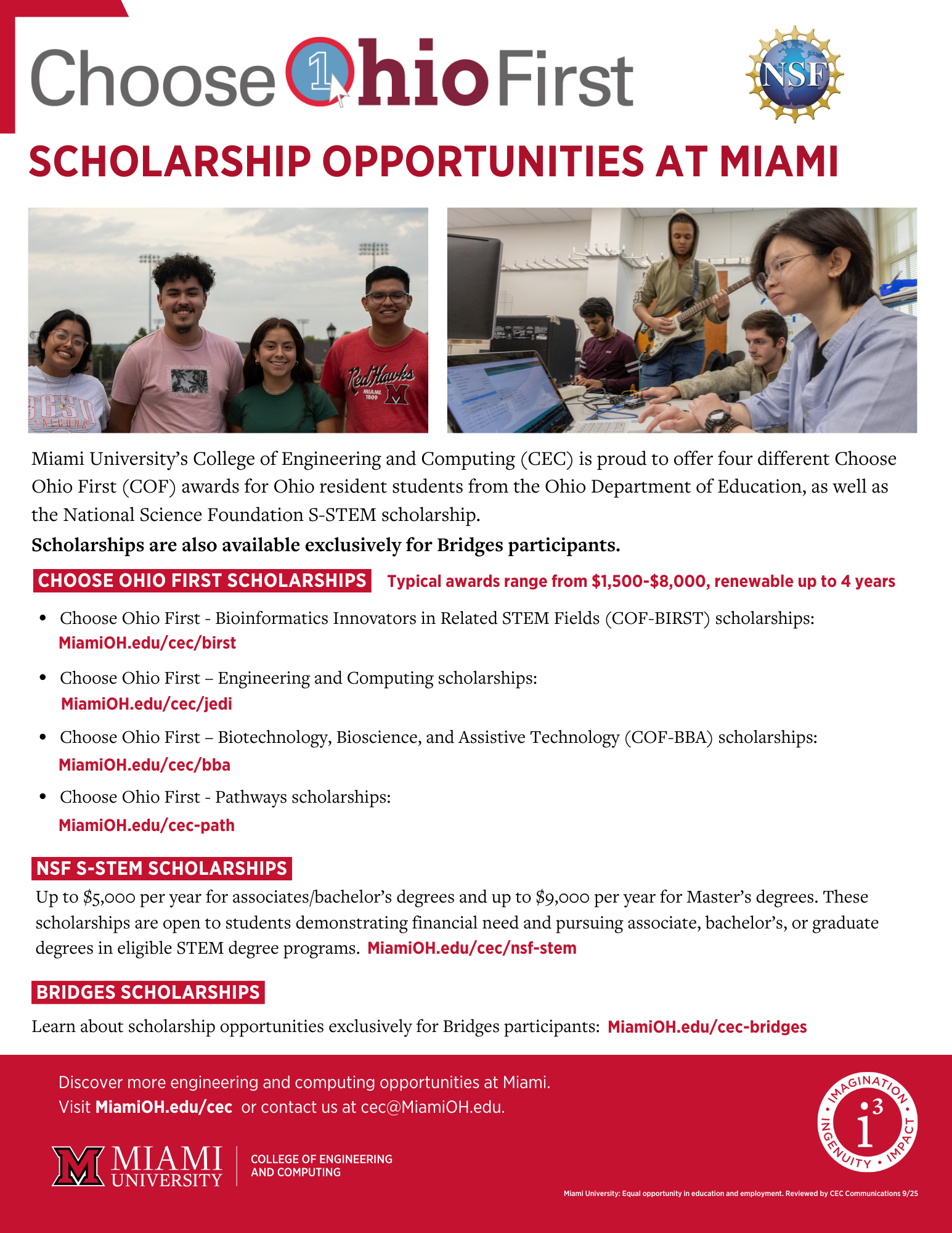

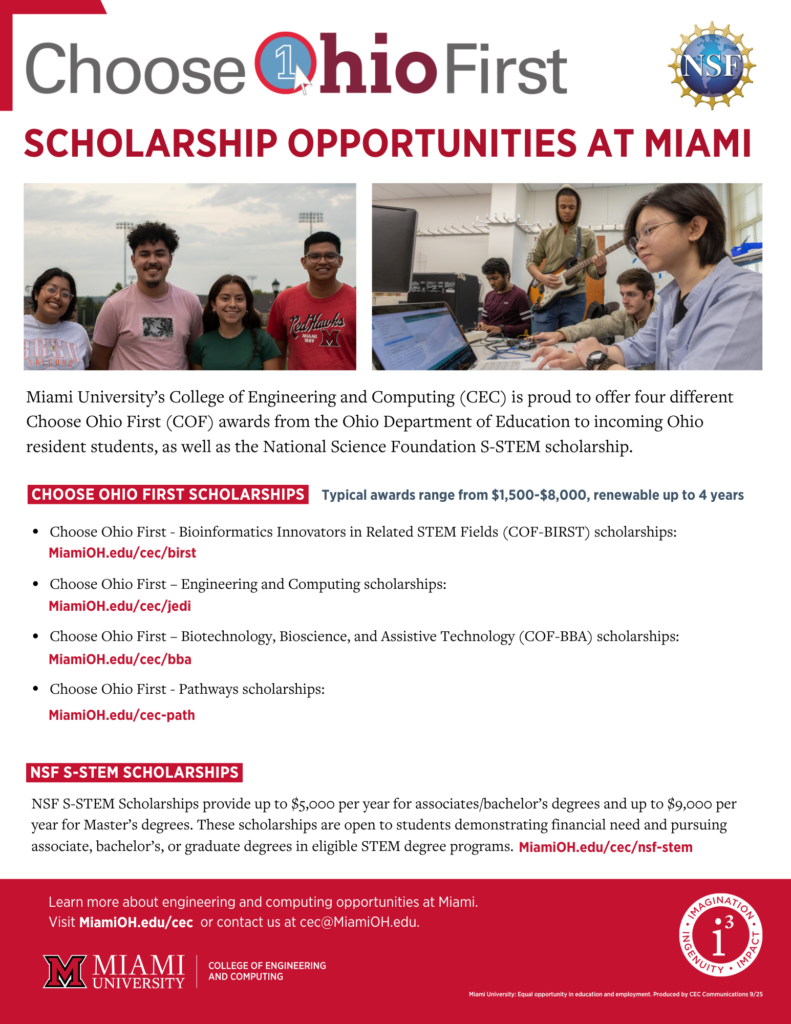
Choose Ohio First Scholarship Flyer (No Bridges)
Printable | Remediated | Canva Template

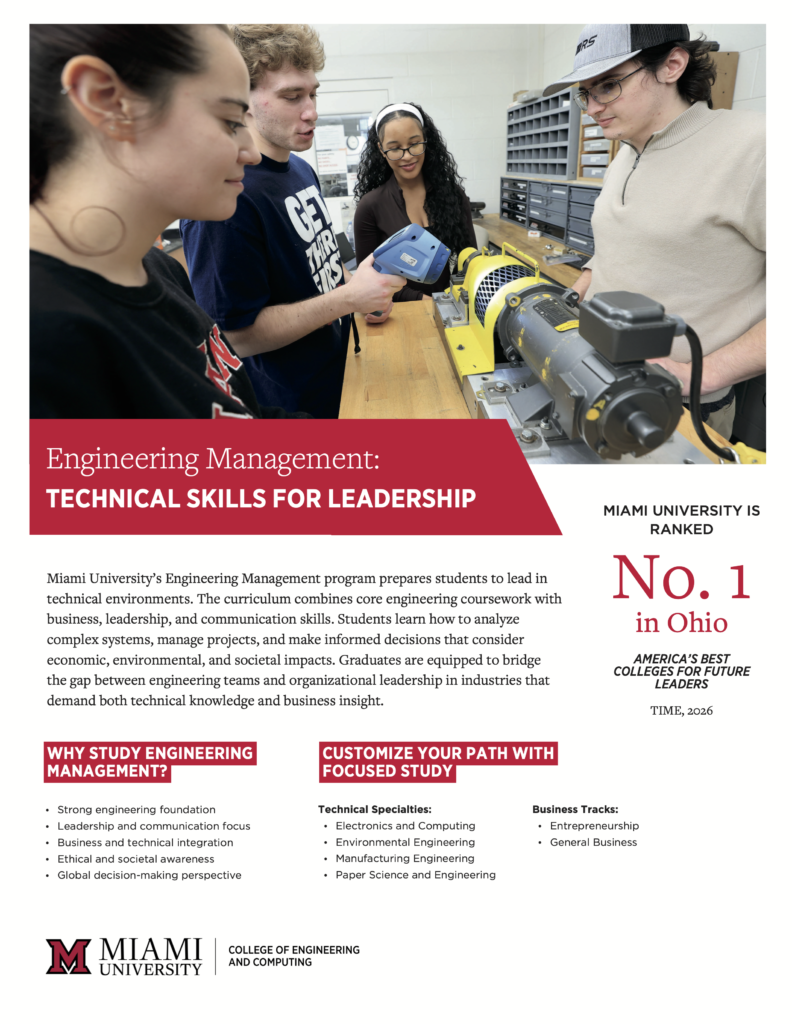
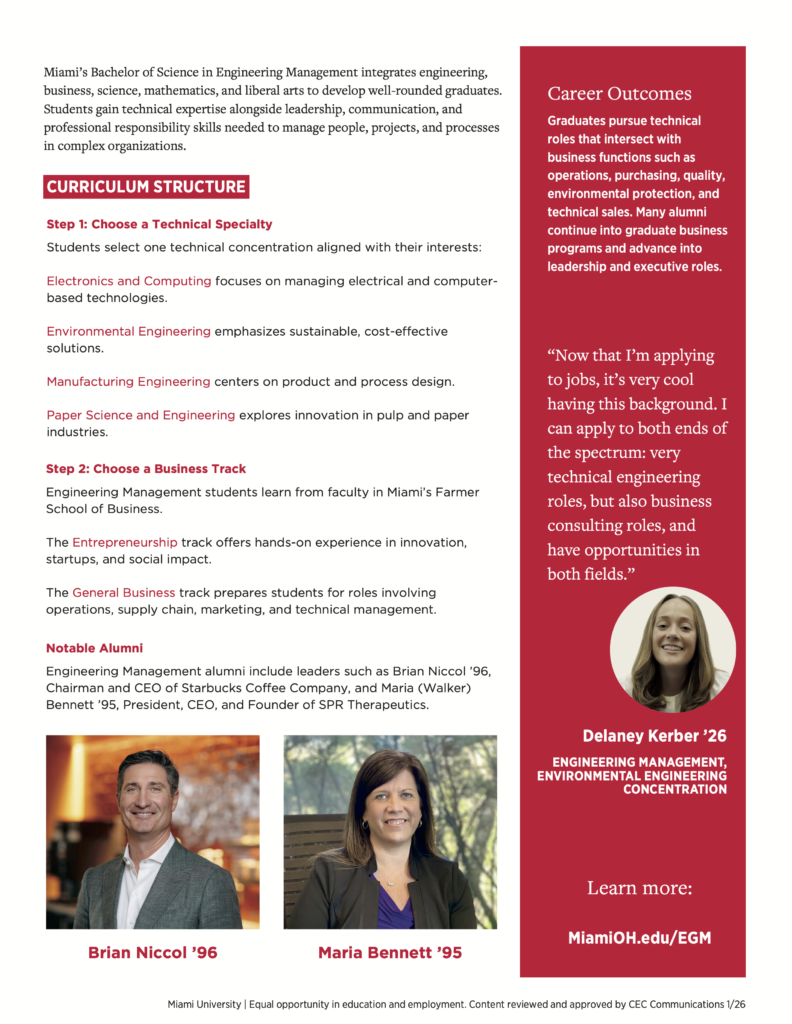
Engineering Management Flyer
Printable | Canva Template | HTML Version | Remediated Version
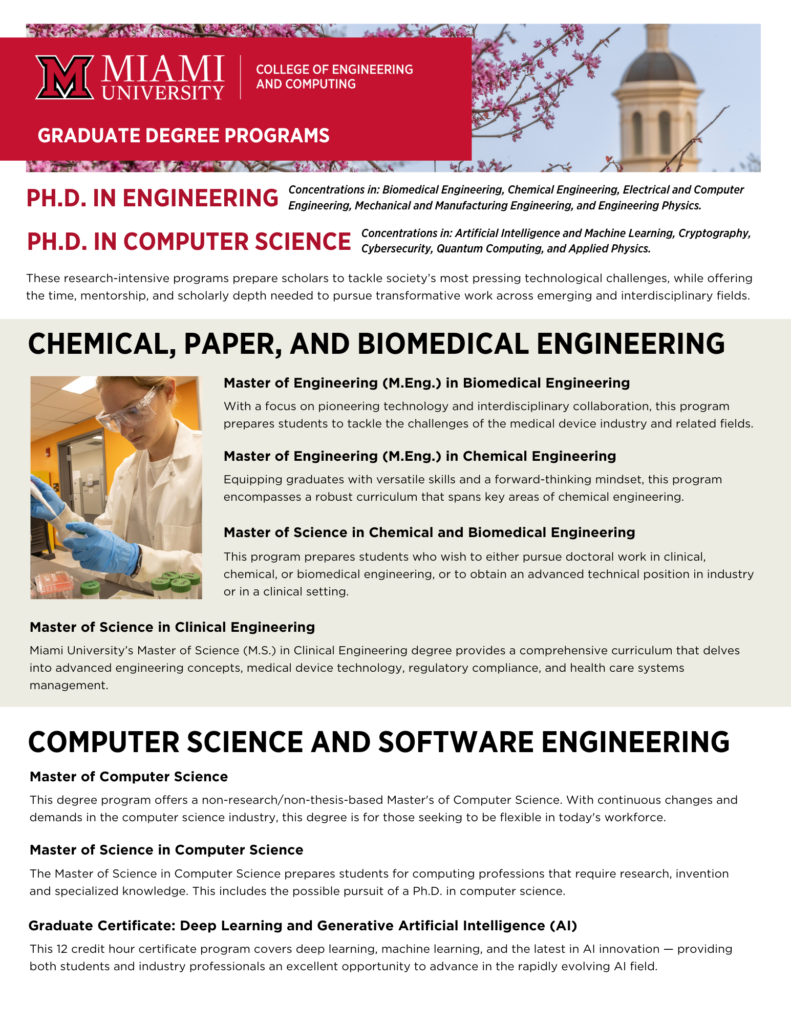
CEC Graduate Degree Programs
Printable | Remediated (Coming Soon) | HTML Page | Canva Template
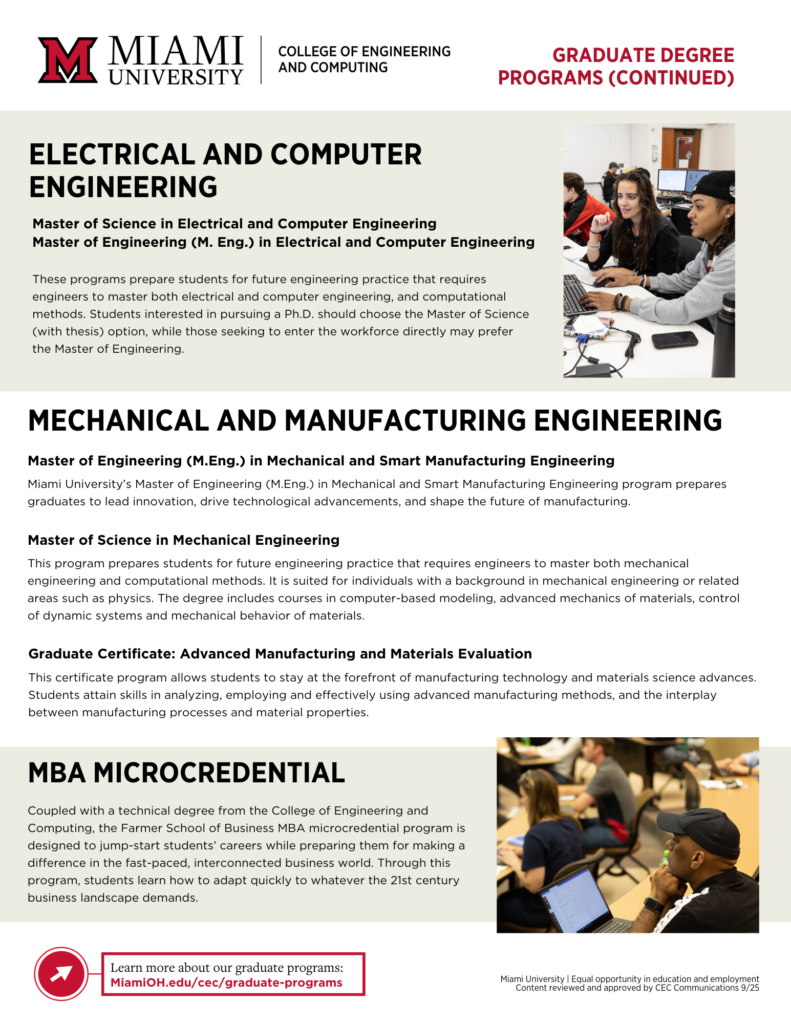
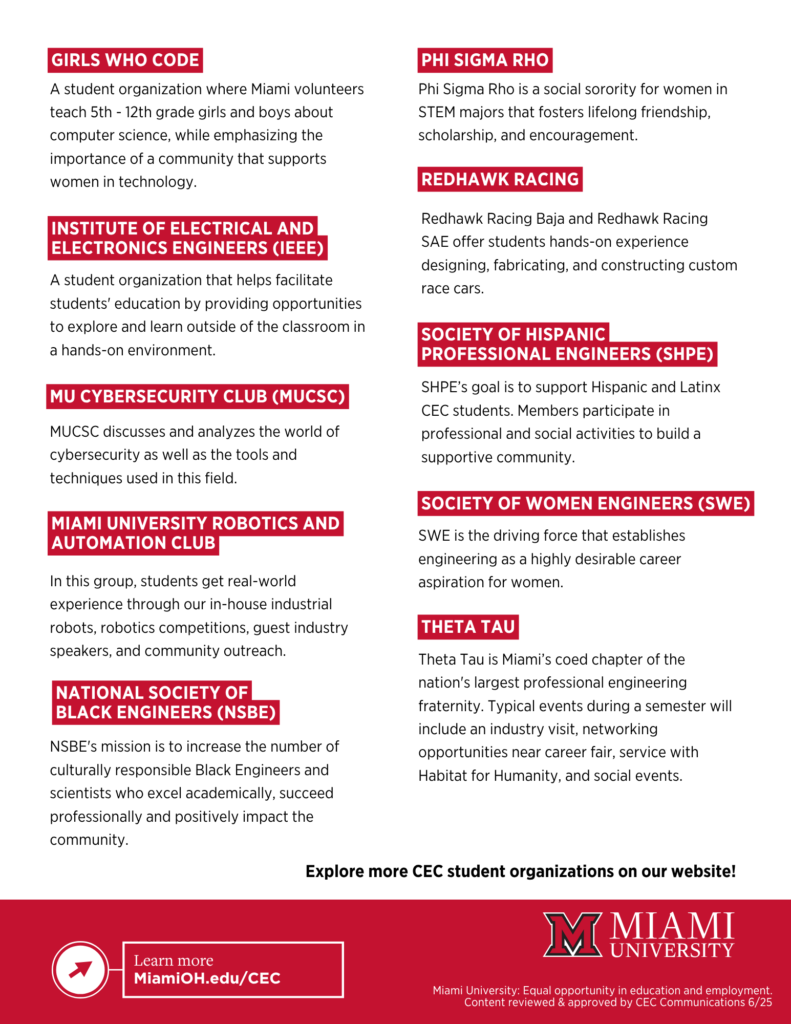
Prospective Student Tour Folder Print-Outs (Collated, Left and Right)
Right Side: Printable | Canva Template
Left Side: Printable | Canva Template







MARI Workshop (Student Focus)
Printable | Remediated | Canva Template | HTML Page

SASI Workshop (Student Focus)
Printable | Remediated | Canva Template | HTML Page

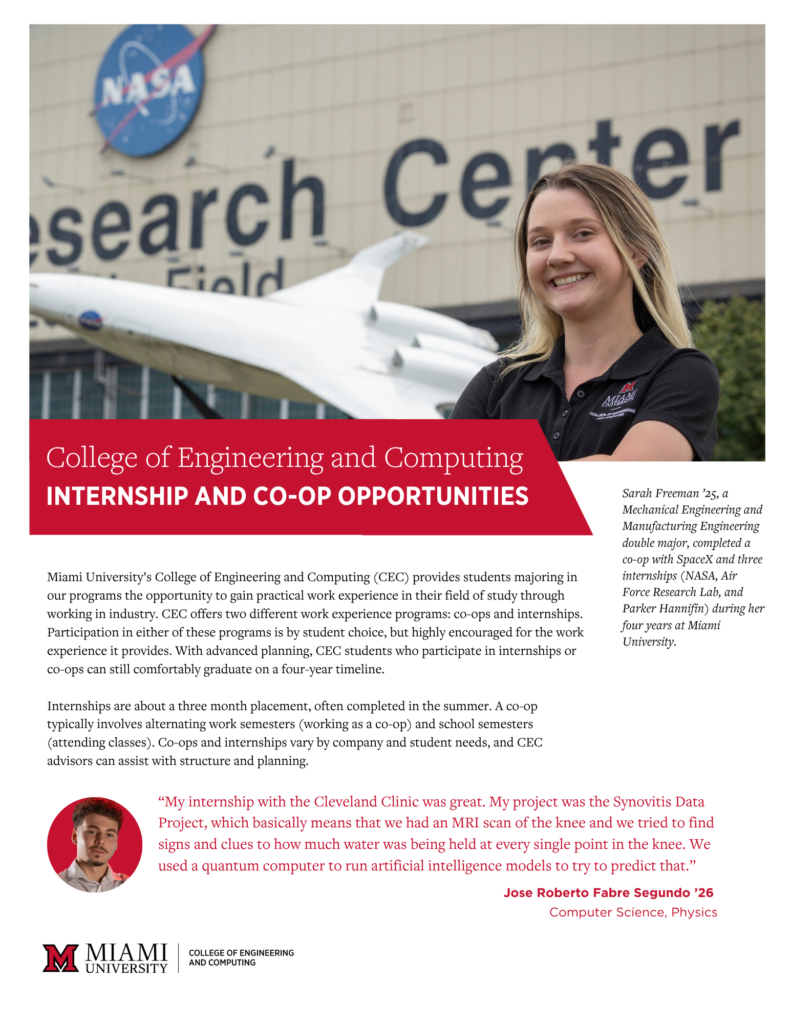
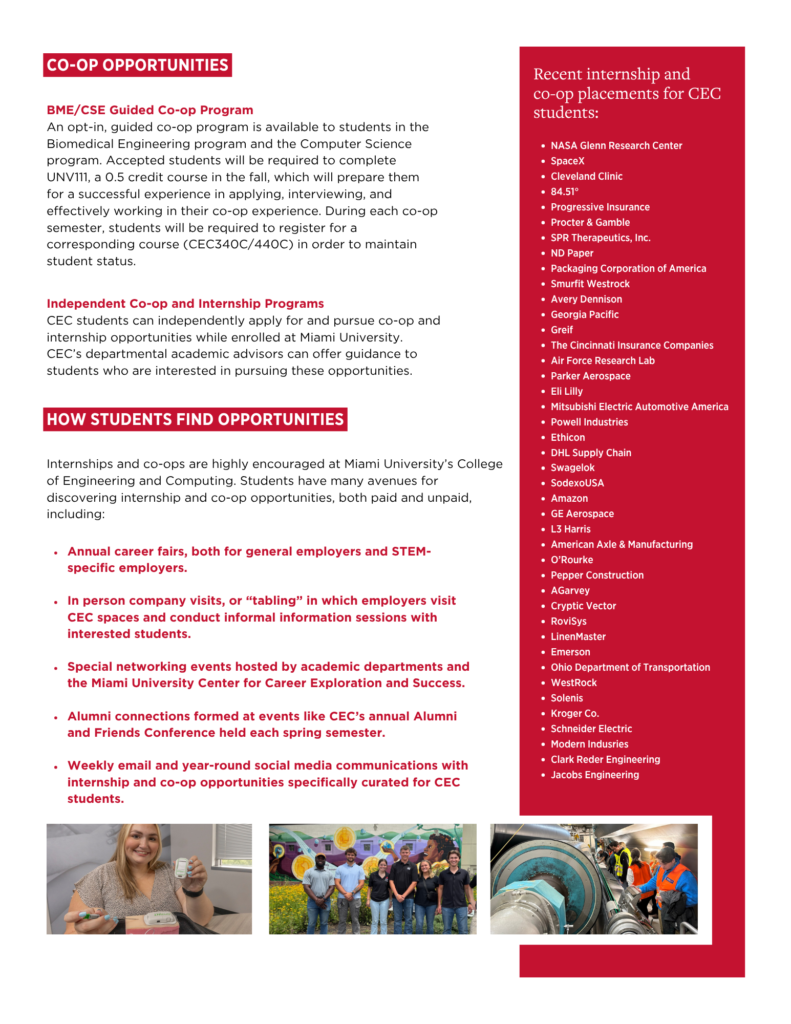
Co-Op and Internship Flyer
Printable | Remediated (Requested) | Canva Template
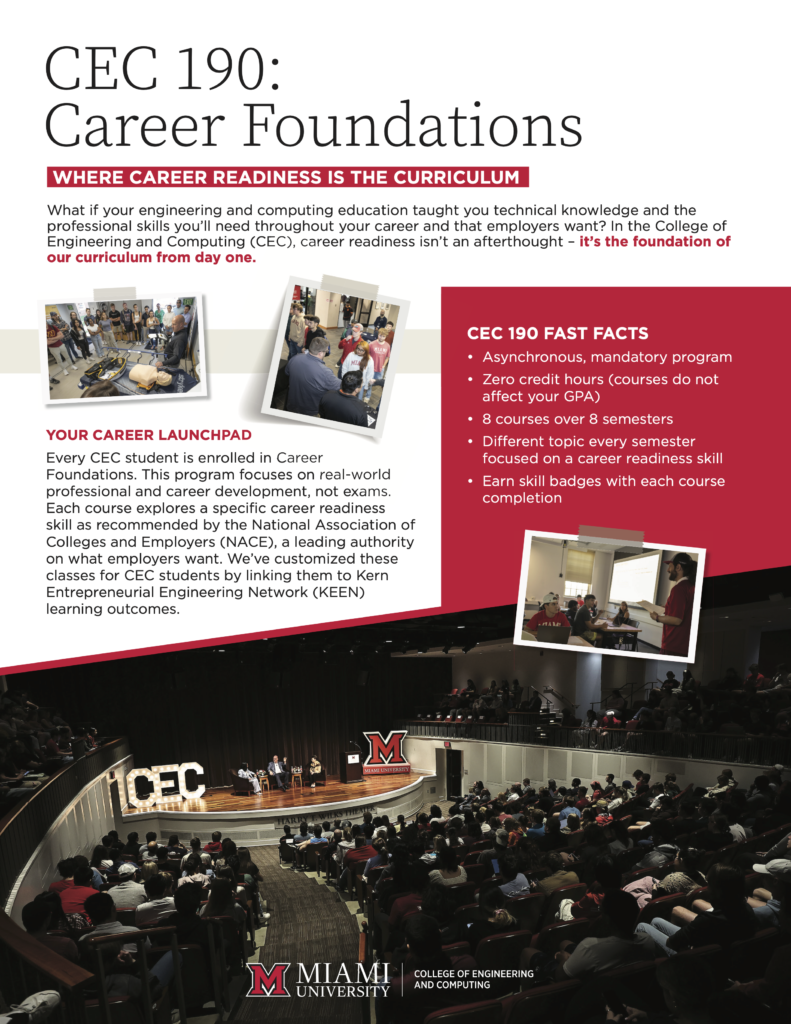
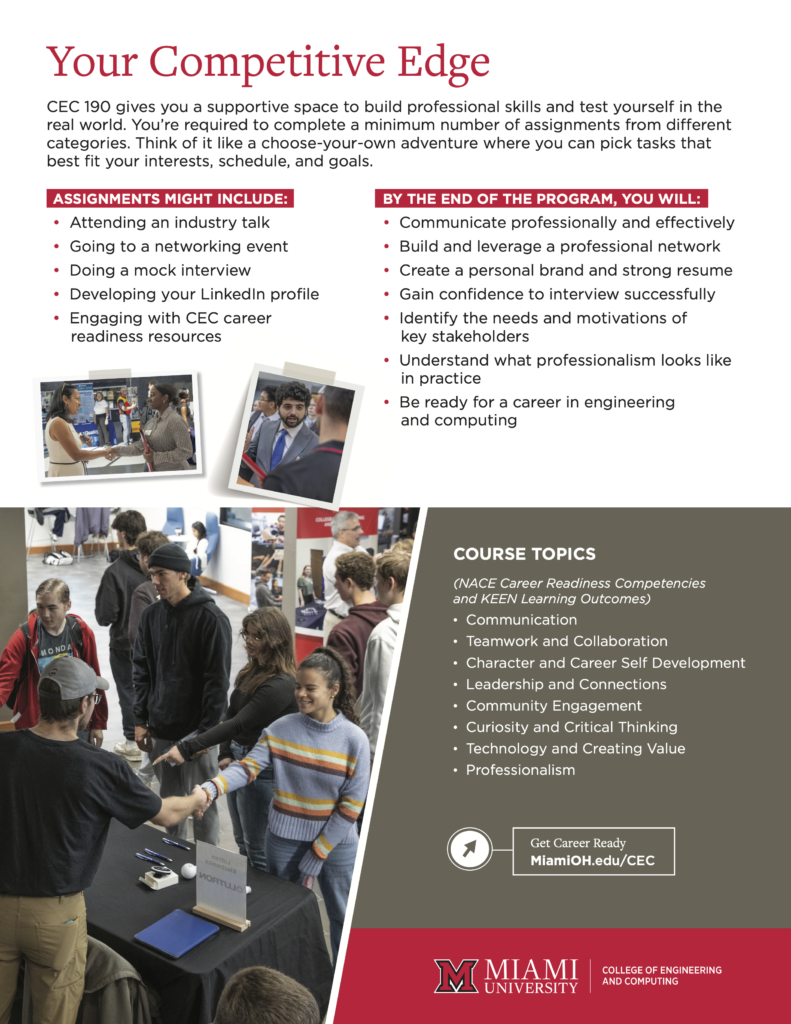
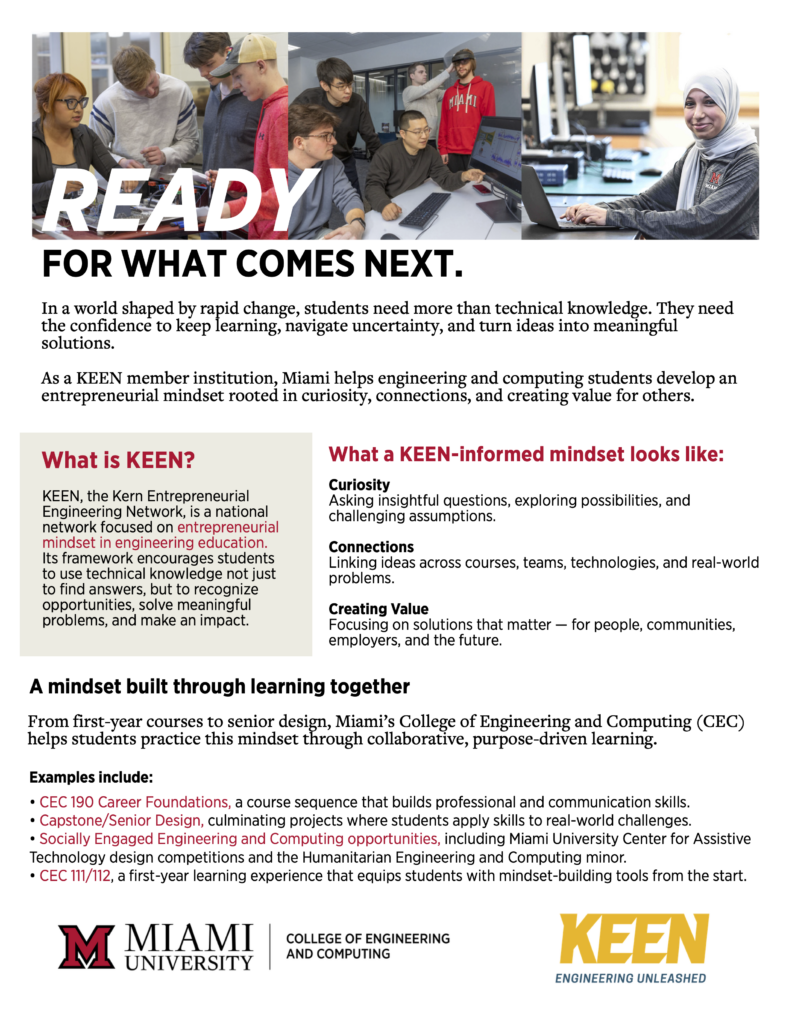
KEEN Flyer
Printable | Remediated | Canva Template | HTML Page
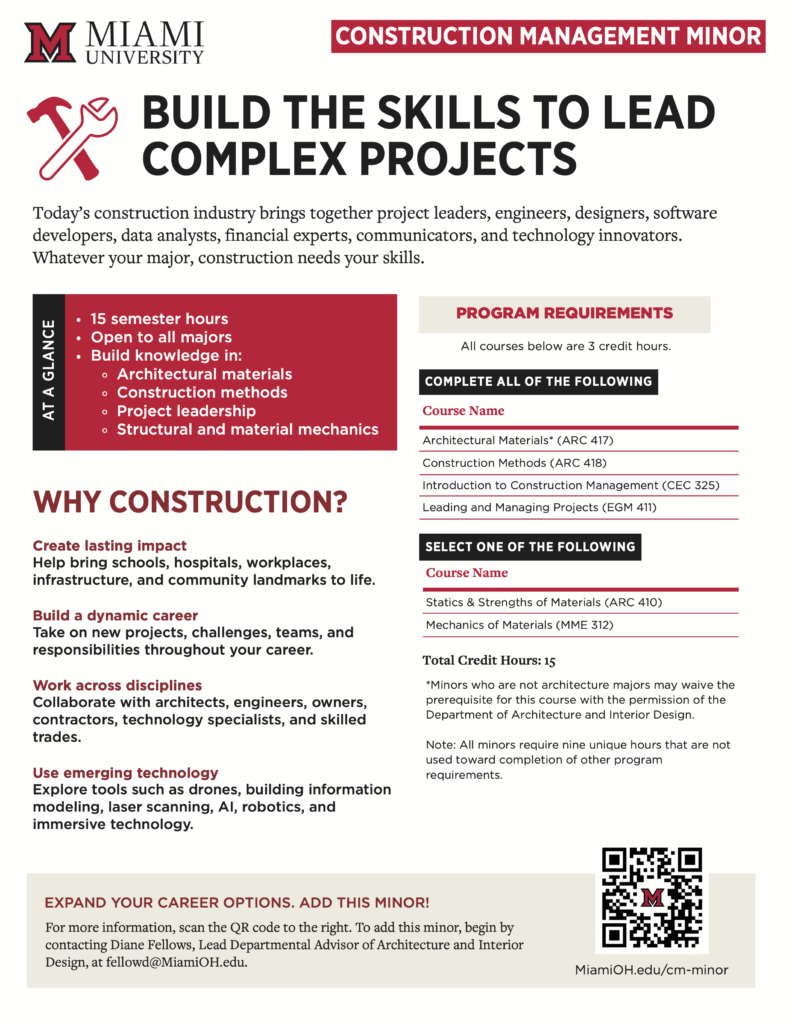
Construction Management Minor Flyer
Printable | Remediated | Canva Template | HTML Page
Industry Relations Flyers and Handouts
Industry Relations Overview
Printable | Remediated | Canva Template | HTML Page


SASI Workshop Flyer (Industry Focused)
Printable | Canva Template | HTML Page

MARI Workshop Flyer (Industry Focused)
Printable | Canva Template | HTML Page

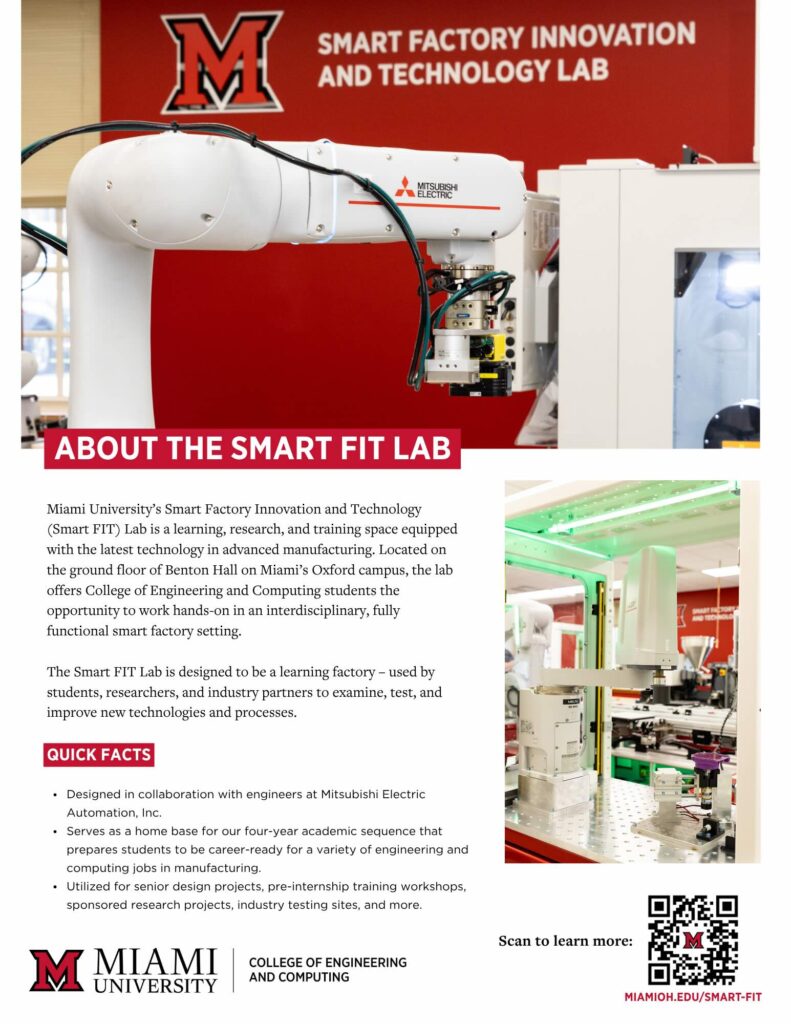
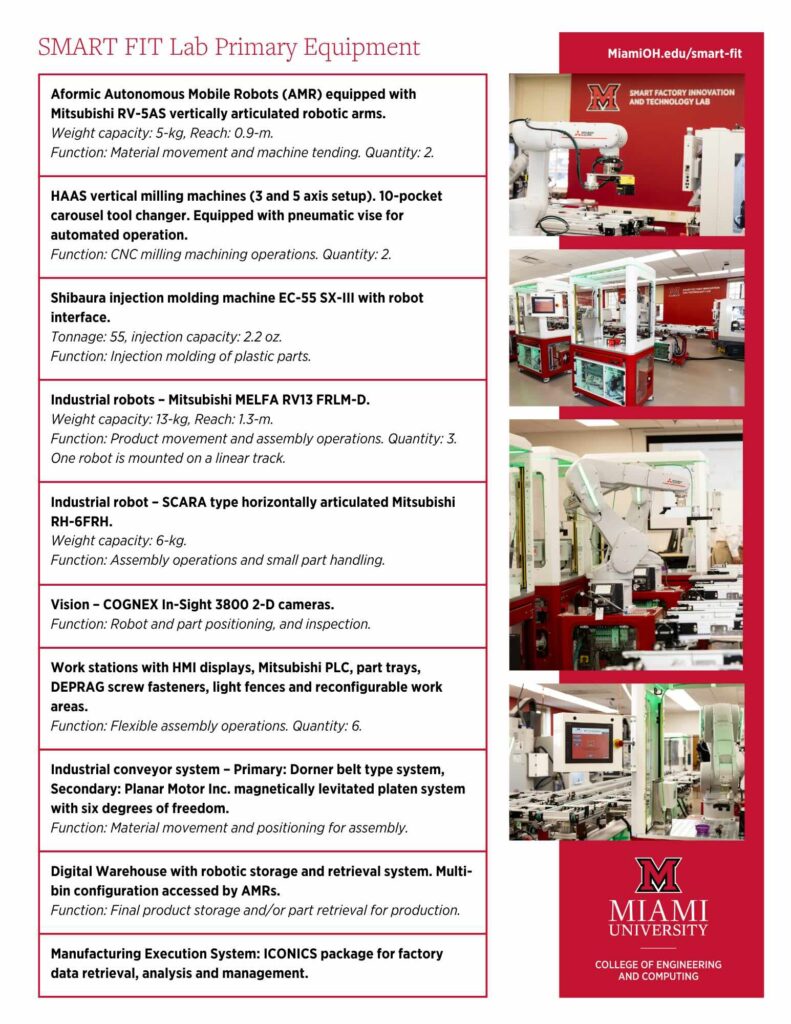
Smart FIT Flyer (Industry Focused)
Printable | Canva Template | HTML Page (Short URL: MiamiOH.edu/smart-fit)
Research Cluster Flyers and Handouts
CEC Research Cluster One Page Overview
Printable | HTML Page | Canva Template
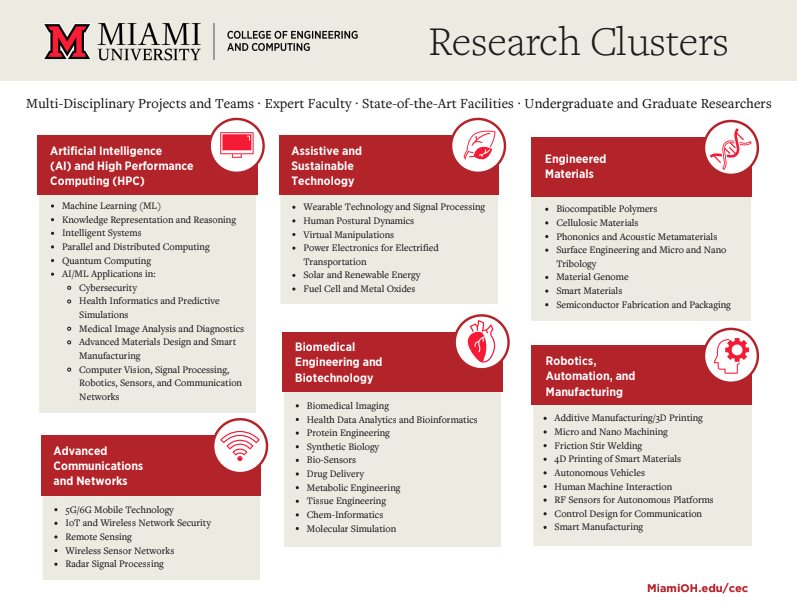
Artificial Intelligence and High Performance Computing Research Cluster
Printable | HTML Page | Canva Template


Assistive and Sustainable Technology Research Cluster
Printable | HTML Page | Canva Template


Biomedical Engineering and Biotechnology Research Cluster
Printable | HTML Page | Canva Template


Engineered Materials Research Cluster
Printable | HTML Page | Canva Template


Robotics, Automation, and Manufacturing Research Cluster
Printable | HTML Page | Canva Template


Department Specific: CSE
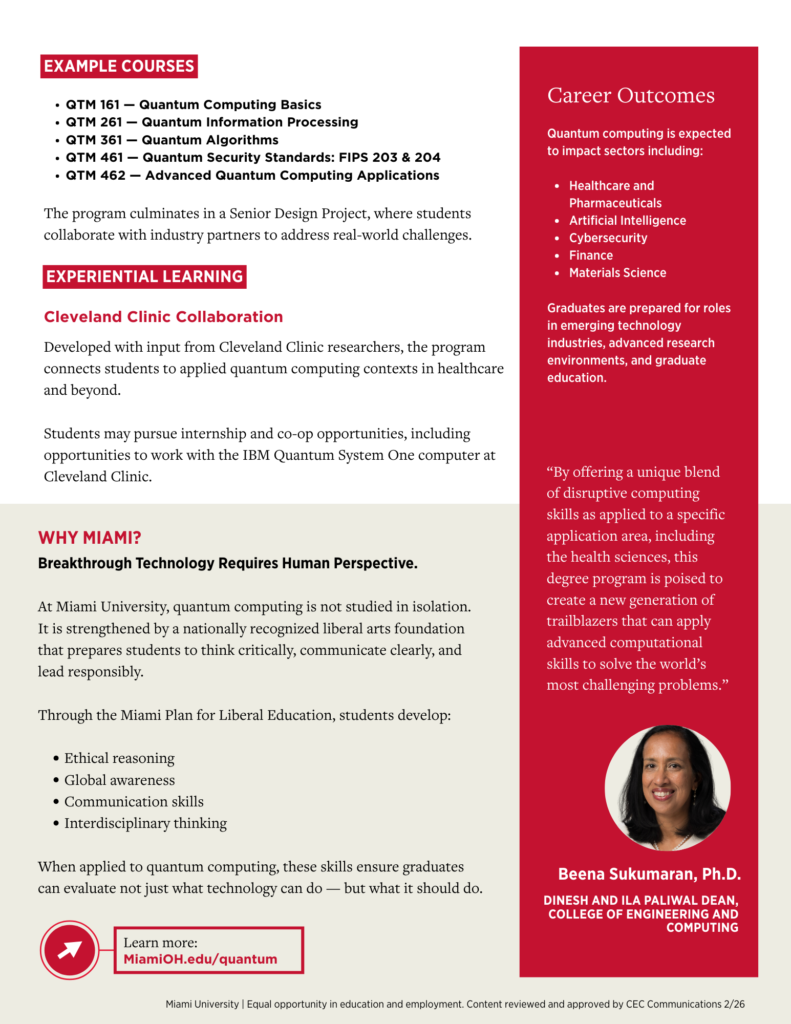
Quantum Computing B.S. Flyer: February 2026
Printable | Remediated | Canva Template | HTML Page

Artificial Intelligence B.S. Flyer: June 2026
Printable | Remediated | Canva Template | HTML Page
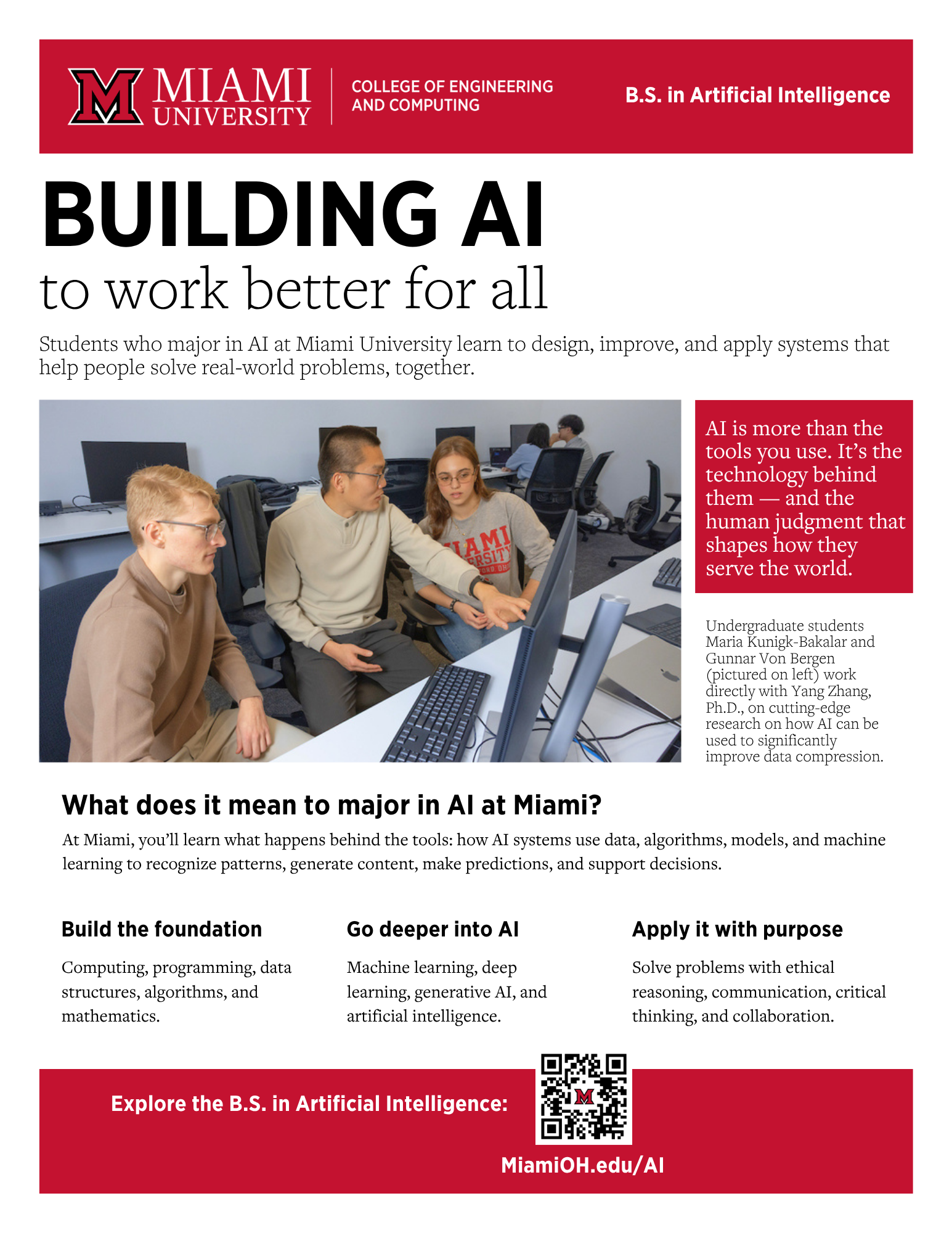
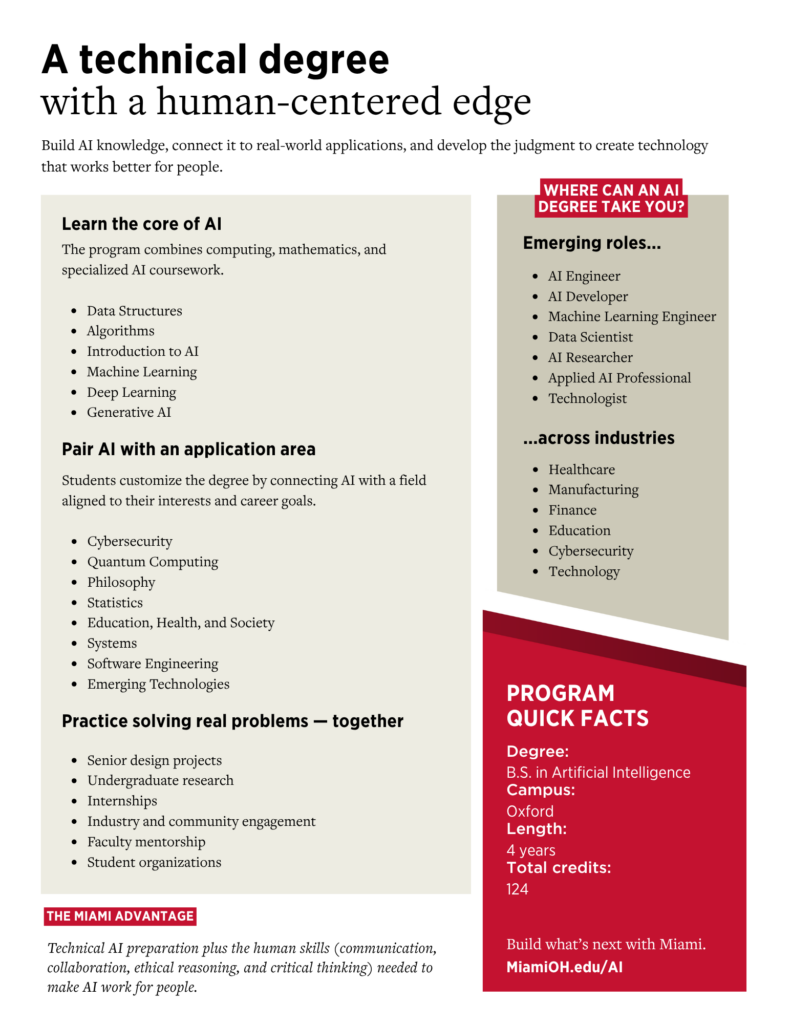
Deep Learning and Artificial Intelligence Minor
Printable | Canva Template

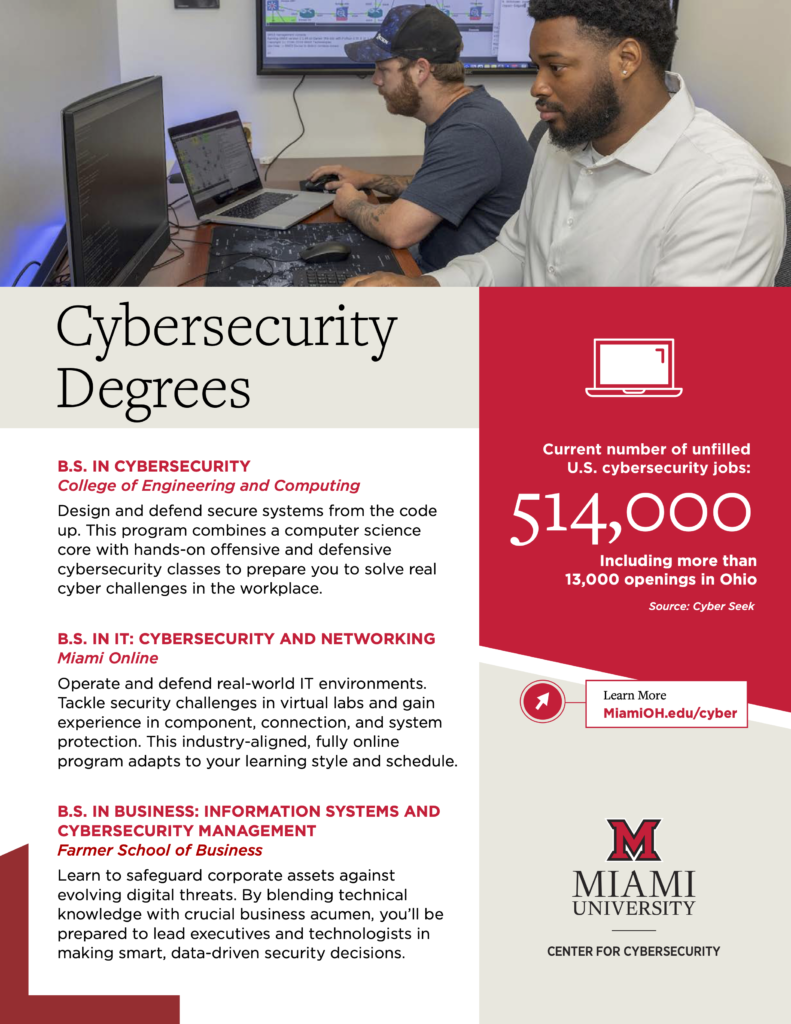
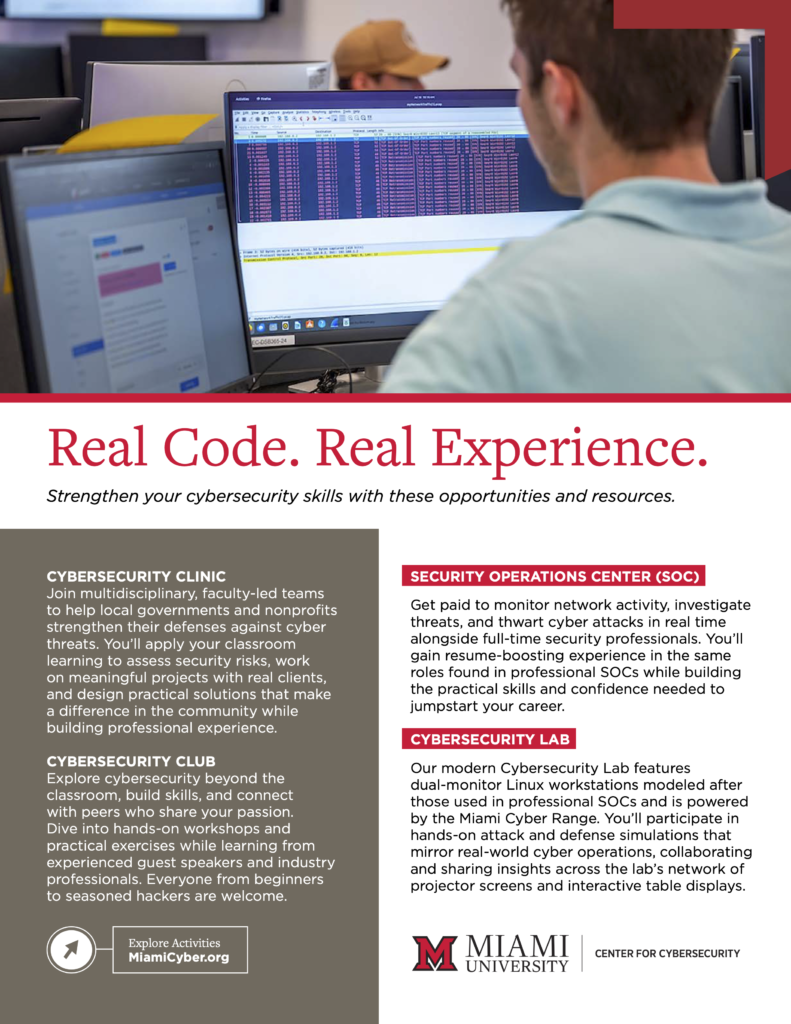
Cybersecurity Degrees and Experiences Flyer (Updated March 2026)
Printable | Remediated | HTML Page
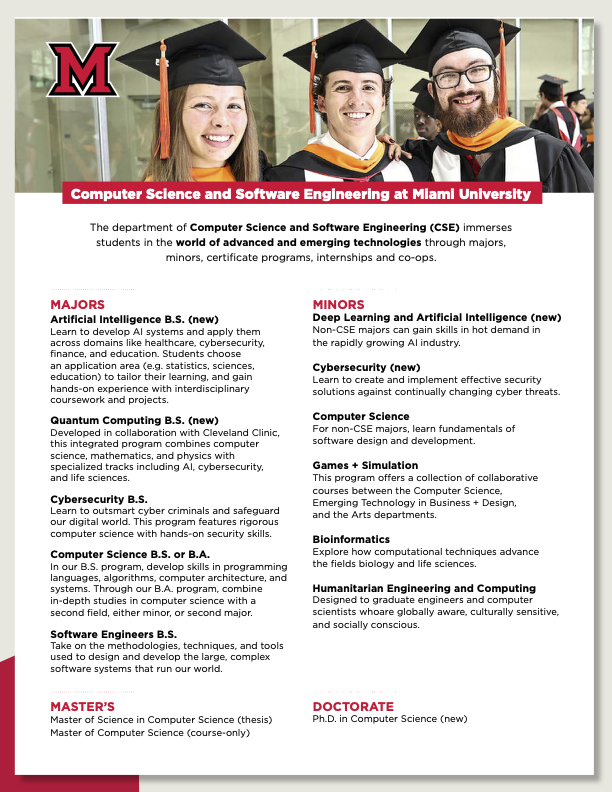
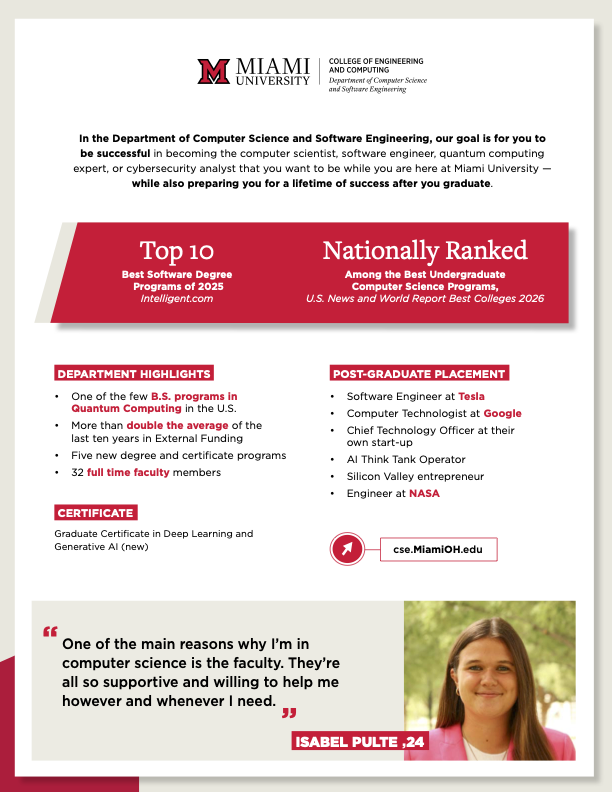
CSE Fact Sheet (Student Focused)
Printable | Remediated (Coming Soon)
Center for Cybersecurity Fact Sheet (Government Focus)
Printable | Remediated | Canva Template


Cyber Clinic Flyer
Printable | Remediated | Canva Template | HTML Page

Department Specific: MME
Master of Engineering (Mechanical and Smart Manufacturing) Grad Program Flyer
Printable | Remediated | Canva Template | HTML Page


Department Specific: ECE
Robotics Engineering Flyer
Printable | Remediated | Canva Link | HTML Page


Department Specific: CPB
Printable | Remediated | HTML Page