
Summary
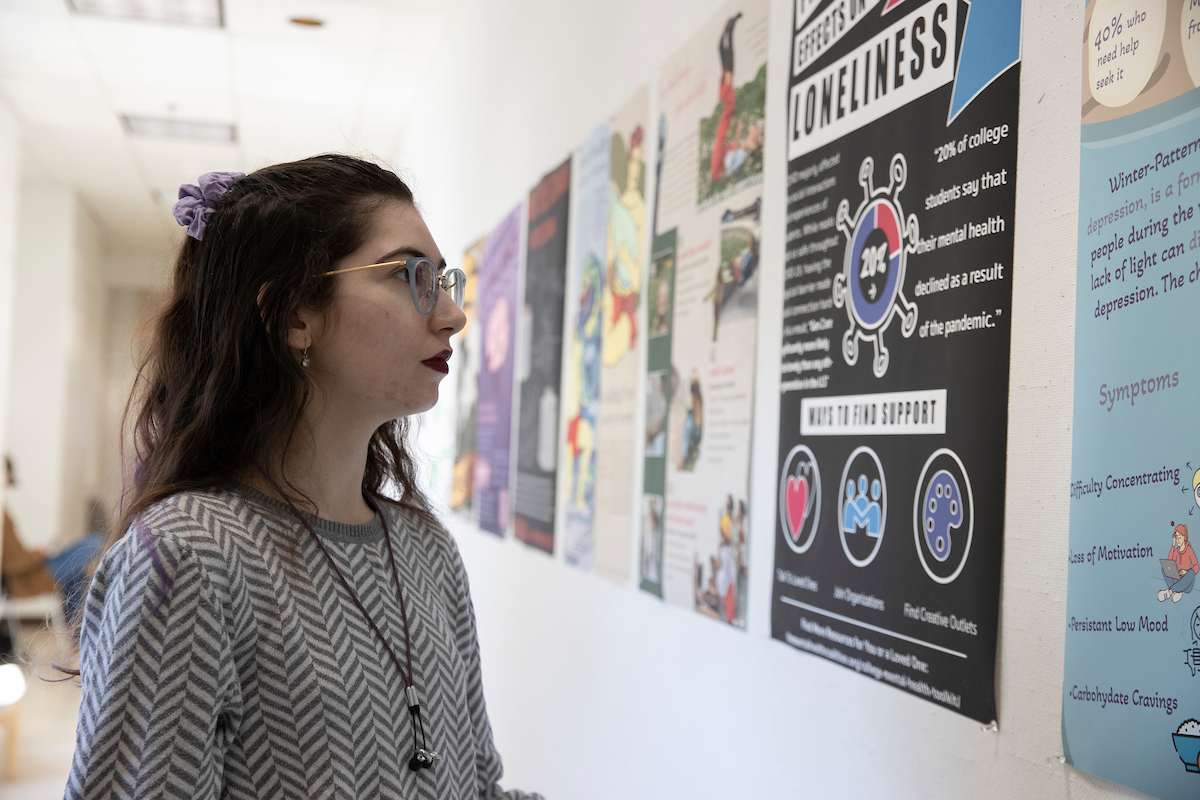
When you forward an image or graphic with text on it through email, that image is not accessible by default, as the text in the image is not readable by many people. Take these steps to reach a bigger audience.
It’s common to find exciting events or other kinds of information posted as a flyer on a wall, on a digital screen, in an email, etc. Before you snap a photo and forward it to 1 or 100 people, make sure your communication is accessible.
When you forward an image or graphic with text on it through email, that image is not accessible by default, as the text in the image is not readable by many people. Images don’t always attach, or the text might be too small to read within the image, especially if someone is looking at it with their phone, or the person might not have the ability to see it and relies on assistive technology to read the text to them.
You can make it accessible with a couple of extra steps.
- Type the important information directly into the email content. Don’t rely on just the image to convey the information. Include who, what, when, where, and why details.
- Add alternative (alt) text to the image. The alt text should contain all of the text that is on the image.
Learn more about creating accessible digital files, websites, and applications on the AccessMU Center’s website.